Planning Fallacy: Why Your Task Estimates Run Short
Planning fallacy explains why task estimates miss. Track estimated time, actual time and the gap in one list, then use that record to plan similar work.
By All-in-One Task Tracker by Cosmo Suite · Editorial policy
Published · 9 min read
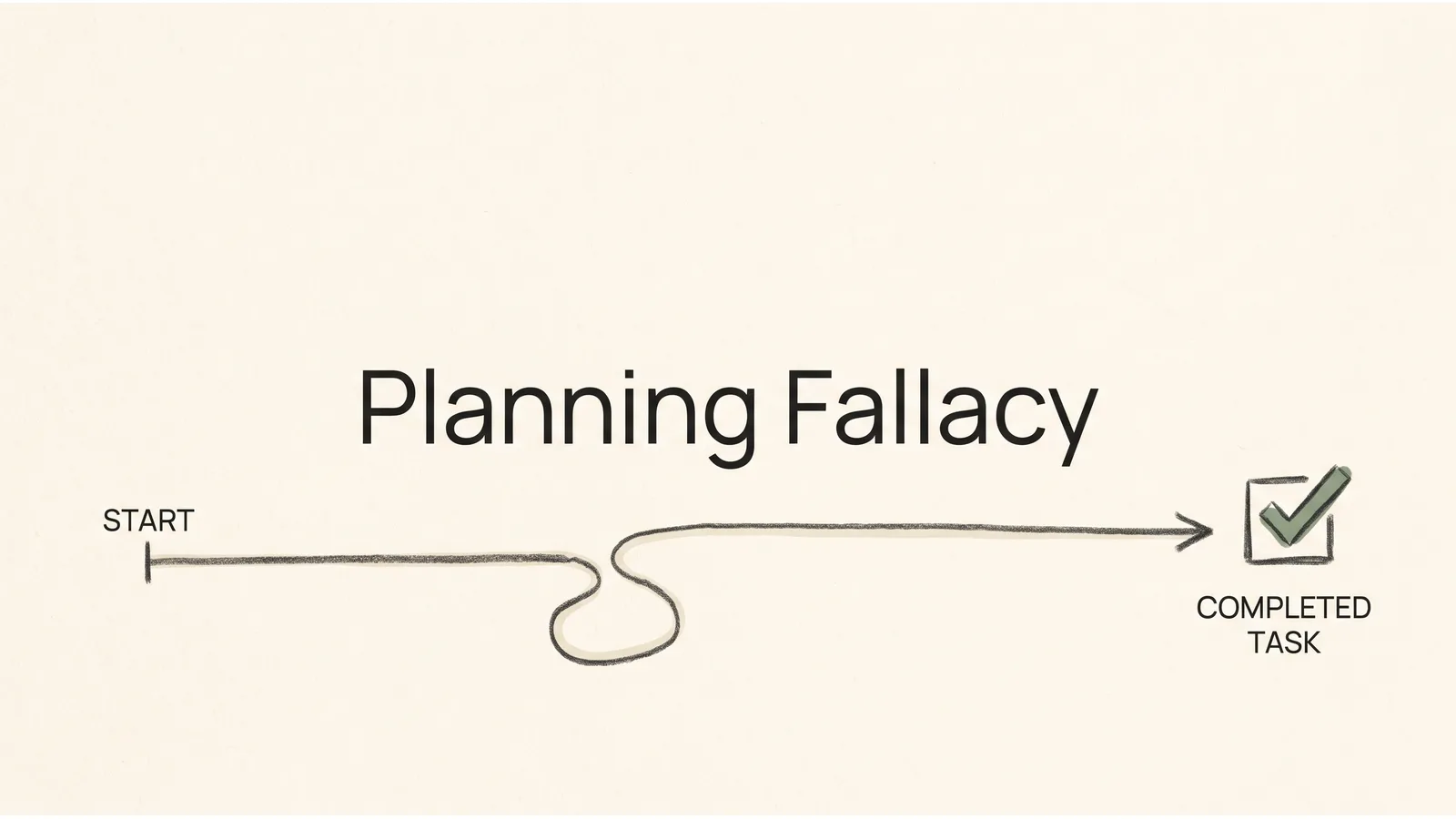
The planning fallacy is the tendency to expect a task to take less time than it does. Write down your estimate before you start. When the task is done, record the actual time beside it. Bring that pair to the next similar task.
You cannot plan every interruption. Keep the original estimate beside the actual time so you can check it when similar work comes around.
Planning Fallacy at a Glance
The planning fallacy describes estimates that run short even when past tasks could offer a useful comparison. Start with the task in front of you, then check whether a similar completed task gives you a better baseline. Record both the first estimate and the actual time so the difference remains visible.
| What you notice | What to do | What to record |
|---|---|---|
| The task label is broad | Name the result and next steps | Task and estimate |
| You expect the smooth version | Check a similar completed task | Comparison task |
| Work takes longer | Keep the first estimate and log the actual | Actual and gap |
| A new task looks familiar | Use the closest past result as a starting point | Revised estimate |
| The task is unfamiliar | Mark the estimate as a first guess | Unknowns to review |
Keep the original estimate when you revise your plan. If you replace it with the new number, you lose the comparison that would show whether similar estimates tend to run short. The All-in-One Task Tracker (by Cosmo Suite: one Excel and Google Sheets file, 11 tabs, $9 once) keeps task rows and planning views in one file. See how the tracker organizes tasks and time estimates if you want to compare that setup with your current list.
A Home-Office Setup, Worked Through
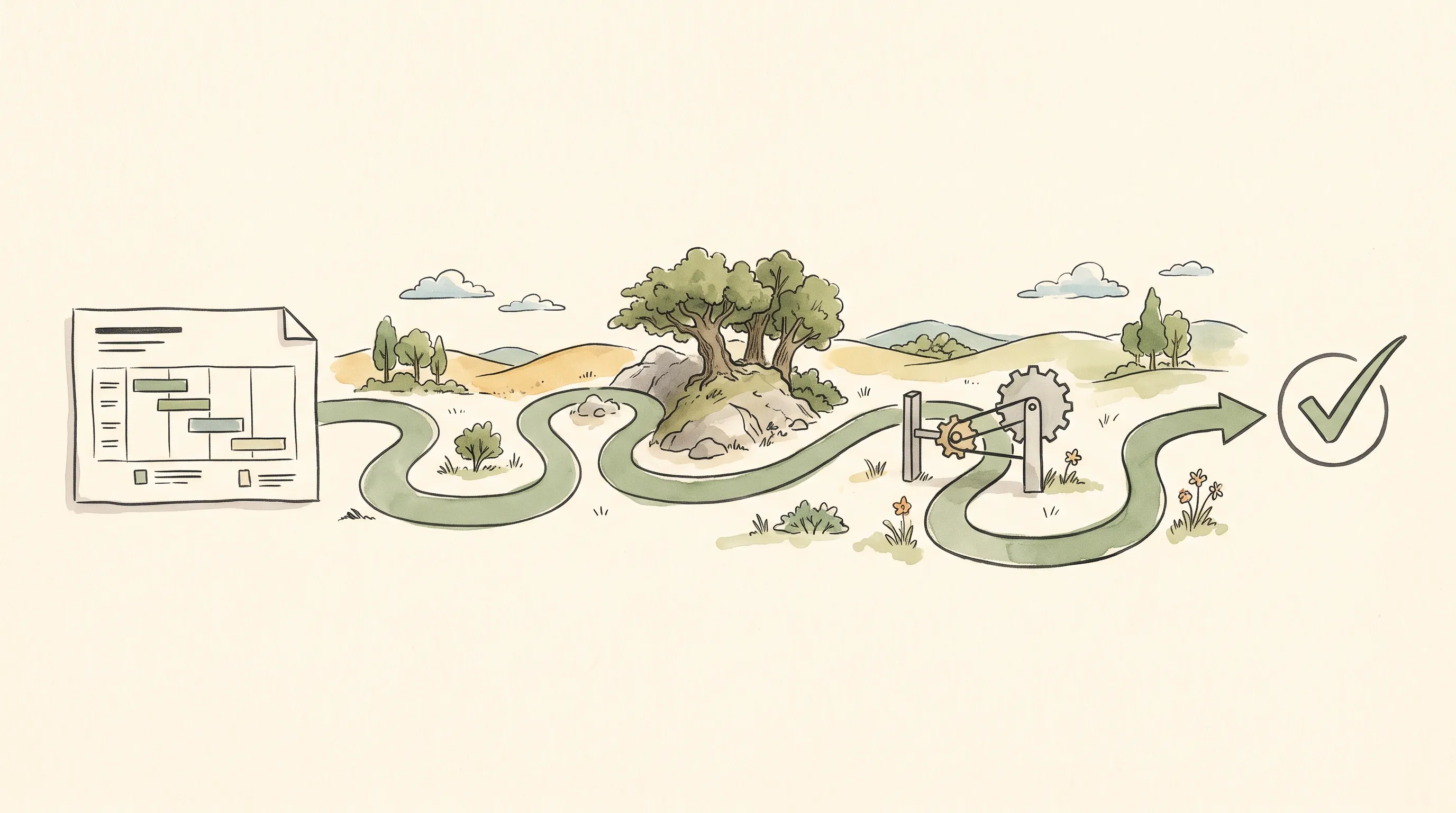
A fictional home-office setup shows how estimate, actual, and gap can sit in one list. The numbers below are illustrative values for this example, not research findings or a typical completion time. The purpose is to show how to preserve the first estimate and use the result when a similar task comes up.
| Task | Estimate (hours) | Actual (hours) | Gap (hours) | Note |
|---|---|---|---|---|
| Clear desk and sort cables | 1 | 1.5 | 0.5 | Needed a second pass |
| Assemble desk lamp | 0.5 | 0.5 | 0 | Parts were ready |
| Move files to the new laptop | 1 | 2 | 1 | Found duplicates to review |
| Set up printer | 0.5 | 1 | 0.5 | Driver needed an update |
For this example, “actual” means active work time from the first step to the point the stated result is complete. The values are made up to demonstrate the columns. Your own timing rule may include waiting or may track it separately. Pick a method and use it consistently.
Calculate the gap as actual time minus estimate. In a spreadsheet, if estimate is in column B and actual is in column C, use =C2-B2. A positive result means the task took longer than planned. Zero means the values matched. A negative result means it took less time. The formula reports a difference; it does not explain why it happened.
The file move has a larger gap in this fictional table because the work included finding and reviewing duplicates. On the next similar transfer, that is a concrete item to include in the estimate. The printer row gives another clue: setup time can depend on an update. The gap alone does not prove that every future setup will take twice as long.
Step 1: Estimate the Task You Can See
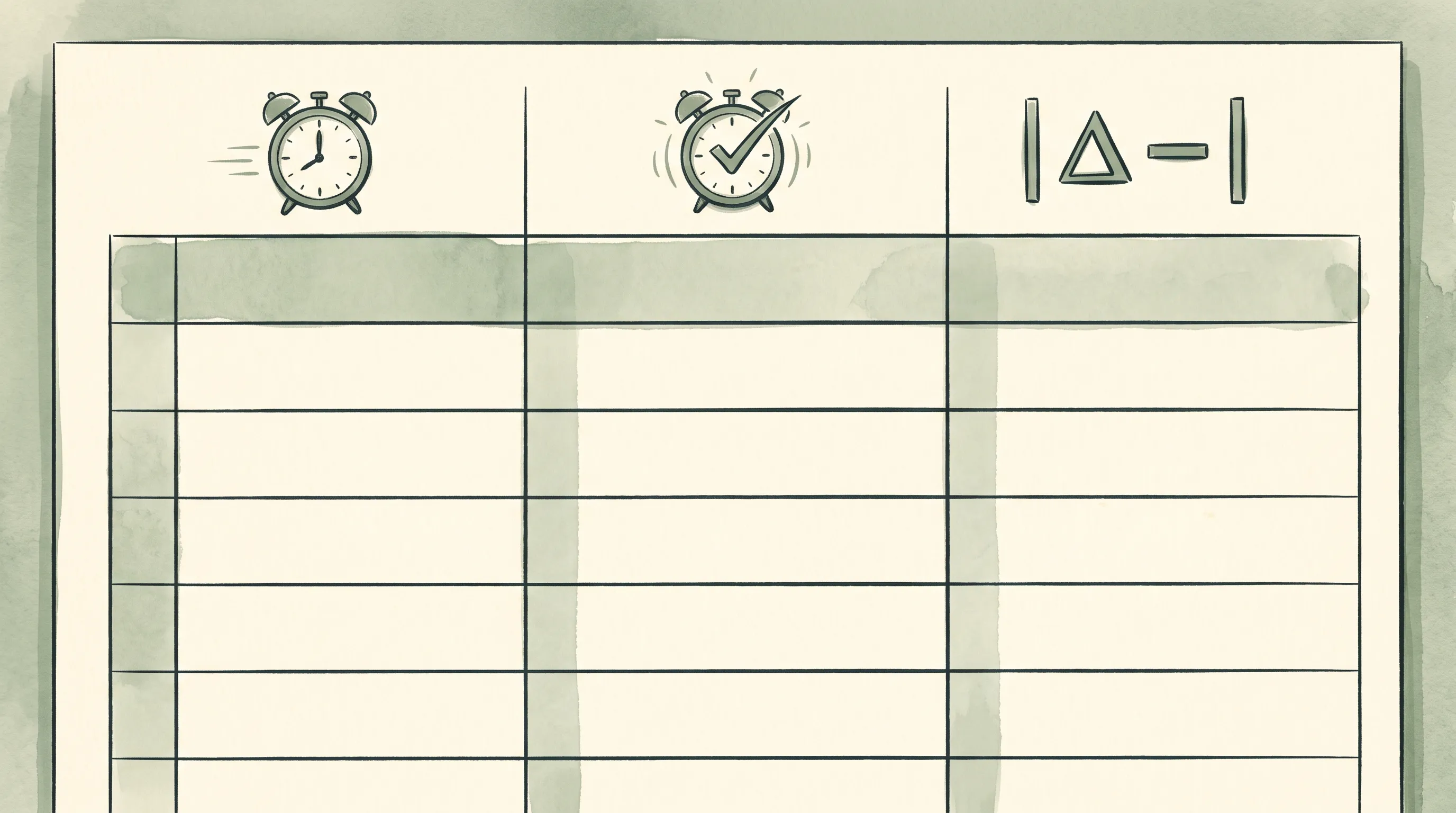
Write an estimate before starting, then describe what the estimate covers. A label such as “set up office” could include moving furniture, connecting equipment, transferring files, and testing the result. A shorter, observable task makes it easier to compare your estimate with what happened.
Name the result first. “Printer is connected and prints a test page” gives you a finish line. “Set up printer” may mean unpack it, install software, connect it, or solve a problem that appears during setup.
If the task contains several different kinds of work, split it into rows. Keep a larger parent task if it helps you see the full outcome, but estimate each distinct action separately when the parts can happen at different times. This also makes a blocker easier to spot.
Write the estimate before you begin. Do not replace it with a more convenient number after the task is finished. If new information changes the plan halfway through, add a revised estimate or a note while preserving the original value.
For an estimate with no close comparison, say so. “First guess” is more informative than writing a precise number that looks measured. You can still use it to plan, then improve the estimate after you have a completed result.
Step 2: Record Actual Time Without Blame
When the task reaches its finish line, record the actual time using the same rule as your estimate. If you estimated active work, record active work. If waiting matters, track it in another column so it does not get mixed with work duration. A consistent rule makes the gap easier to compare across similar tasks.
A short note can explain a gap better than a long retrospective. Record what changed: a missing part, an approval, an unexpected step, or a handoff. Avoid labeling yourself or the task as “bad.” The note should help with the next estimate.
Use a timer only if the extra detail is useful to you. For many everyday tasks, a rough estimate and a brief note will be enough to make the next plan more informed. If pausing and restarting is common, decide whether to track total elapsed time or time spent actively working. Mixing the two makes comparisons hard to read.
If the task is still open, do not enter an “actual” as if it were complete. You can record time spent so far in a separate field, but the total duration is not known until the task reaches the finish rule. Keep the status visible, such as Active, Waiting, or Done.
Step 3: Compare Similar Tasks
Before you reuse an old duration, check what the earlier task involved. The same label can cover different work. “Move files” might mean copying one folder or sorting years of material. Compare the steps and finish rules, not just the words in the task name.
Research on the planning fallacy describes how a plan for the task at hand can crowd out relevant past experience. Buehler, Griffin, and Ross studied people’s completion-time predictions and the role of previous tasks. A completed record gives you something concrete to consult next time.
Look for the closest completed task, not an average made from unrelated work. If you have several close comparisons, scan the range instead of relying on one unusually quick or slow result. A study by Thomas and König found that task similarity affected duration predictions, with less bias when the two tasks were the same. Their experiment supports comparing like with like; it does not establish that a spreadsheet log alone corrects every estimate. Read the study. Note what differs in the new task, such as a dependency or a tool you have not used before.
If you have no useful comparison, label the estimate as provisional. Split the work into steps, list what is uncertain, and update the plan when you learn more. The task list keeps those unknowns visible until you have a result.
Step 4: Update the Next Estimate
Use the gap to adjust a future estimate only when the next task shares the part that caused it. A late dependency, a changed scope, and an extra work step call for different updates. Keep the original estimate and actual time so the adjustment remains tied to its cause.
In the home-office example, the file transfer took one illustrative hour more than its first estimate because duplicate files needed review. A later transfer with the same review step could include that work in its estimate. A simple copy with no sorting may not need the same adjustment.
Add a “Next estimate” column if you want to see the adjustment beside the original. Keep the original estimate, actual, and note as a record. Match the update to what happened:
| What changed | How to update the next plan |
|---|---|
| The same extra step is likely to recur | Include that step in the next estimate |
| A dependency arrived late | Track waiting separately from active work |
| The task scope changed | Define the new scope before estimating |
| There is no close comparison | Keep the estimate provisional |
In the fictional file-transfer example, reviewing duplicates is an extra step that may recur. The adjustment belongs to similar transfers, not every task on the list. A next estimate remains a working plan. If the task has a deadline, compare its duration with available time and flag a conflict early. For a plan with several due dates, see how to meet deadlines when tasks compete.
What a Task List Can and Cannot Fix
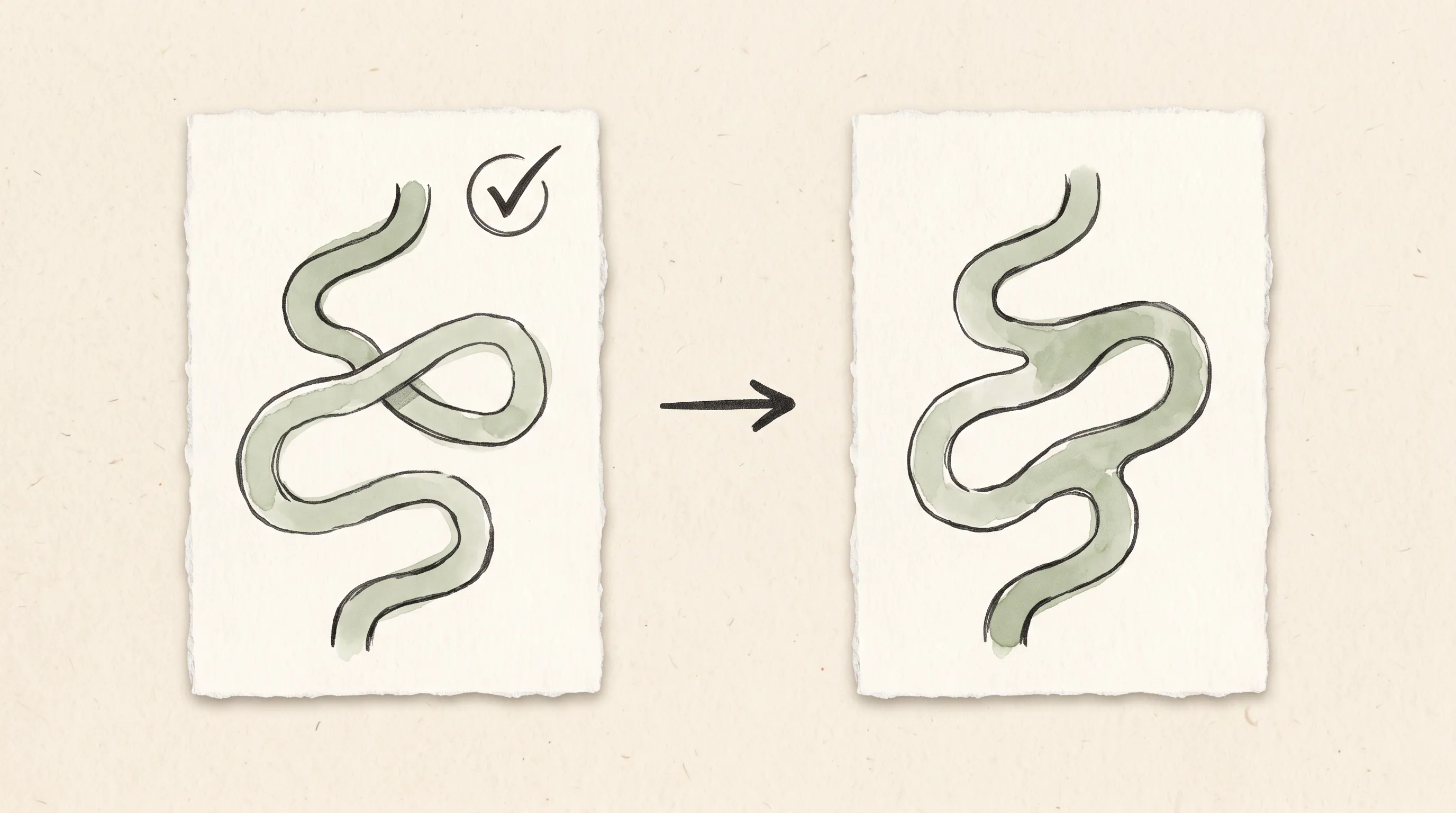
A task list can keep estimates, actuals, due dates, status, and notes together. That helps you see what changed and which decision remains open. It cannot remove uncertainty, make a dependency happen sooner, or decide which deadline should move. If you want task rows alongside planning views, see the tracker’s task and schedule options.
A task may take longer because the scope was unclear, a dependency arrived late, or a new issue appeared. Sometimes the estimate was simply too optimistic. The record helps you distinguish these possibilities over time, but a single gap does not establish a pattern.
A project-management study of the outside view describes comparing a project with a relevant class of past projects. This article applies a small personal-task version: compare similar completed work and avoid a universal percentage adjustment. Track estimates when they affect a deadline or a capacity decision; simplify the fields when measurement becomes its own task.
When a deadline no longer fits, the next step may be to reduce scope, move a date, ask for help, or choose a different priority. A spreadsheet can make the facts easier to discuss. The people who own the deadline or dependency may still need to decide what changes.
When the All-in-One Task Tracker Fits
A spreadsheet helps when you want estimates and actuals beside each task in a file. The All-in-One Task Tracker includes task lists, filters, recurring tasks, a Decision Matrix, Kanban, and Gantt views. Check the tracker details to see whether those views match how you plan.
The tracker is not a timer, and it does not promise reminders or calendar sync. If you need push notifications, shared team permissions, or automatic calendar updates, an app built for those features may fit better. If you want to maintain a simple estimate and actual column yourself, an ordinary spreadsheet can be enough.
For a closer look at organizing tasks in a spreadsheet, read the task tracker Excel guide. If you want one file with list and planning views, review the All-in-One Task Tracker and its contents before deciding.
Sources and Method
This article adapts research findings into a simple personal-task comparison; it is not a tested forecasting model. Buehler, Griffin, and Ross’s 1994 paper, “Exploring the Planning Fallacy”, supports the discussion of past experience and the inside view. The PMI paper describes reference-class forecasting for projects; it does not validate the simple personal-task method here. The home-office example and its numbers are fictional and included only to explain the estimate, actual, and gap columns. Cosmo Suite publishes this guide. Read the editorial policy for sourcing and corrections, visit about the team, or use the contact page to send a correction.
Frequently asked questions
What is the planning fallacy?
The planning fallacy is the tendency to underestimate how long a future task will take, even when similar tasks have taken longer before. A task list can help you record the estimate and actual time so the next estimate has a useful comparison.
Why do people underestimate how long tasks take?
When estimating, people can focus on the steps they expect to follow and give less weight to relevant past experience. Splitting a task into visible actions and checking a similar completed task can make the estimate more grounded.
How do you correct the planning fallacy?
Keep the first estimate, record the actual time when the task is done, and compare it with a similar past task before estimating again. Use the gap as information, not as a judgment about your effort.
How do I calculate an estimate gap?
Subtract the estimate from the actual time. If a task was estimated at two hours and took three, the gap is one hour over the estimate. Label the units and use the same timing method for both values.
How do I estimate a task I have never done before?
Break the task into steps, estimate each step, and identify what you do not know yet. If you have no close comparison, label the estimate as a first guess and review it when the task is complete.
Will adding a buffer prevent the planning fallacy?
A buffer can make a schedule less fragile, but a fixed percentage may not fit every task. First look at similar past work, then add room for a known dependency or uncertainty and review the result later.

