Plan the Day and Week
The Two-Minute Rule: Do It Now, or Write It Down
Two minute rule: finish anything under two minutes now, or write it down. Here is the decision, a worked list and the three places it fails.
· 9 min read
Task tracking in Excel and Google Sheets: templates, prioritizing methods, Kanban and Gantt guides, and fair app comparisons, each worked through.
Plan the Day and Week
Two minute rule: finish anything under two minutes now, or write it down. Here is the decision, a worked list and the three places it fails.
· 9 min read
Task Tracking
Assignment tracker Google Sheets layout for students and parents: nine columns, checkboxes and due-soon colors, with a worked example and five steps.
· 9 min read
Deadlines and Time Estimates
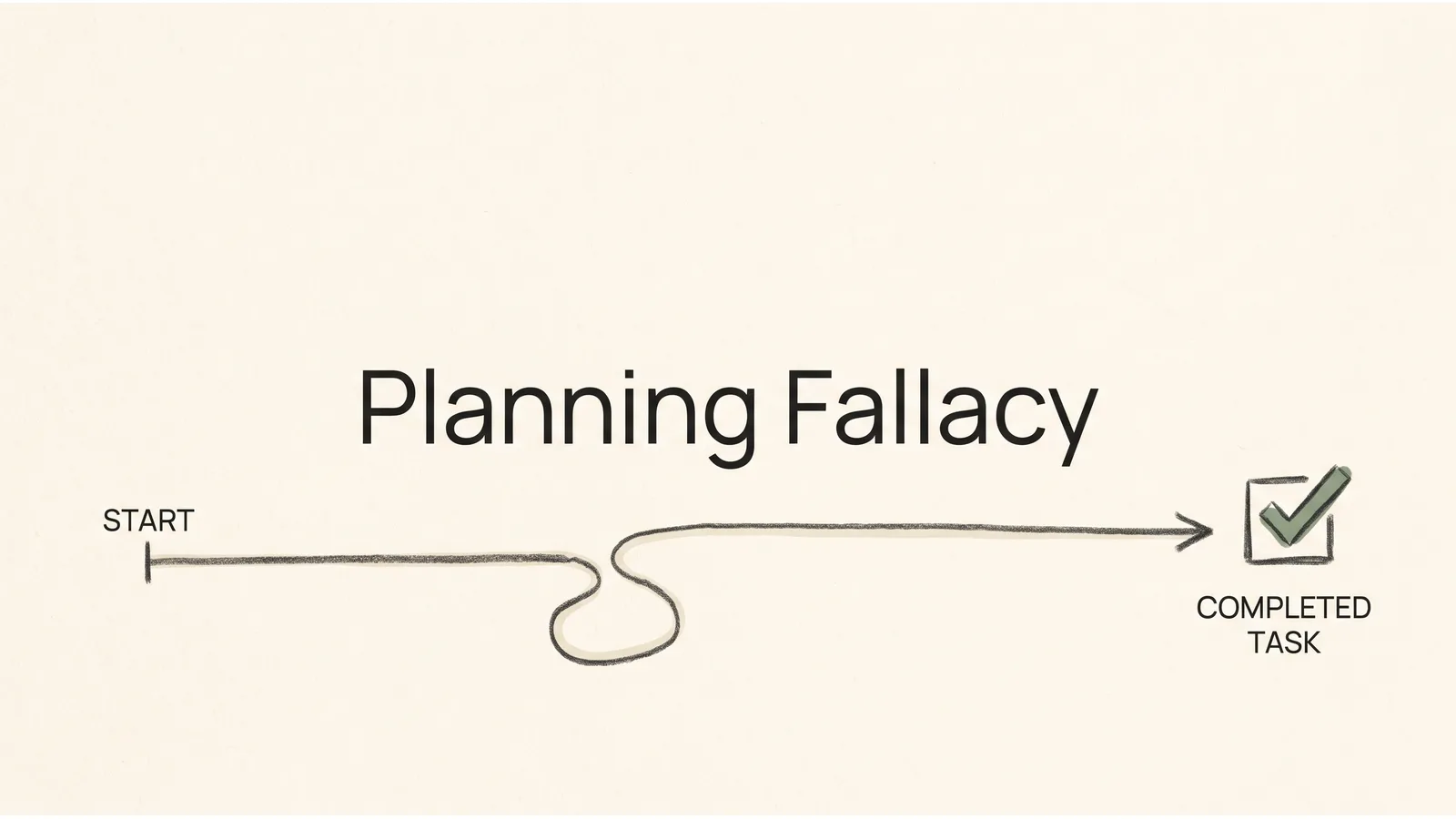
Planning fallacy explains why task estimates miss. Track estimated time, actual time and the gap in one list, then use that record to plan similar work.
· 9 min read
Lists & Templates
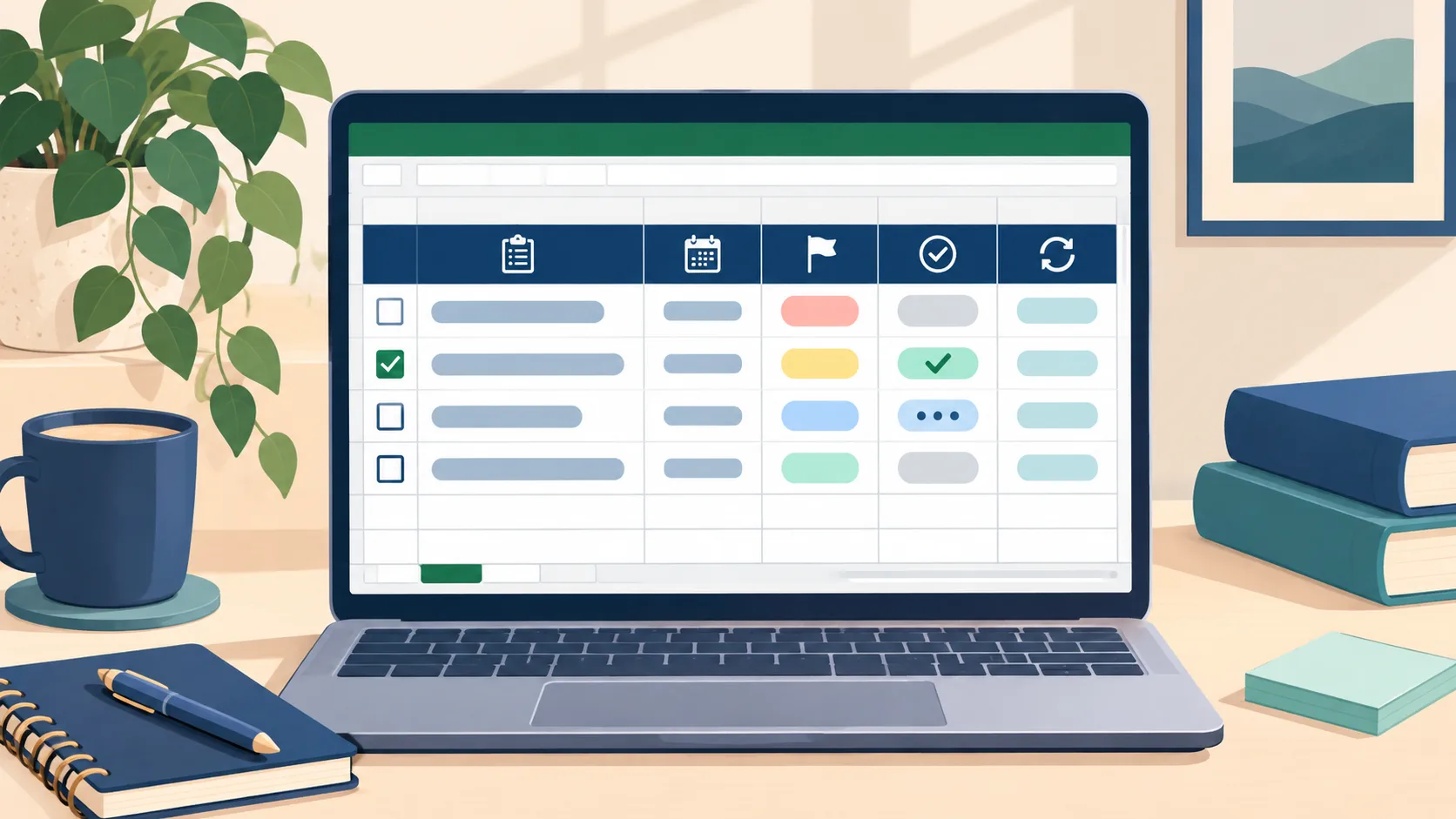
Copy a practical Excel to-do list template with due dates, priority, status, and recurrence. See how to adapt the same task list for daily and weekly views.
· 7 min read
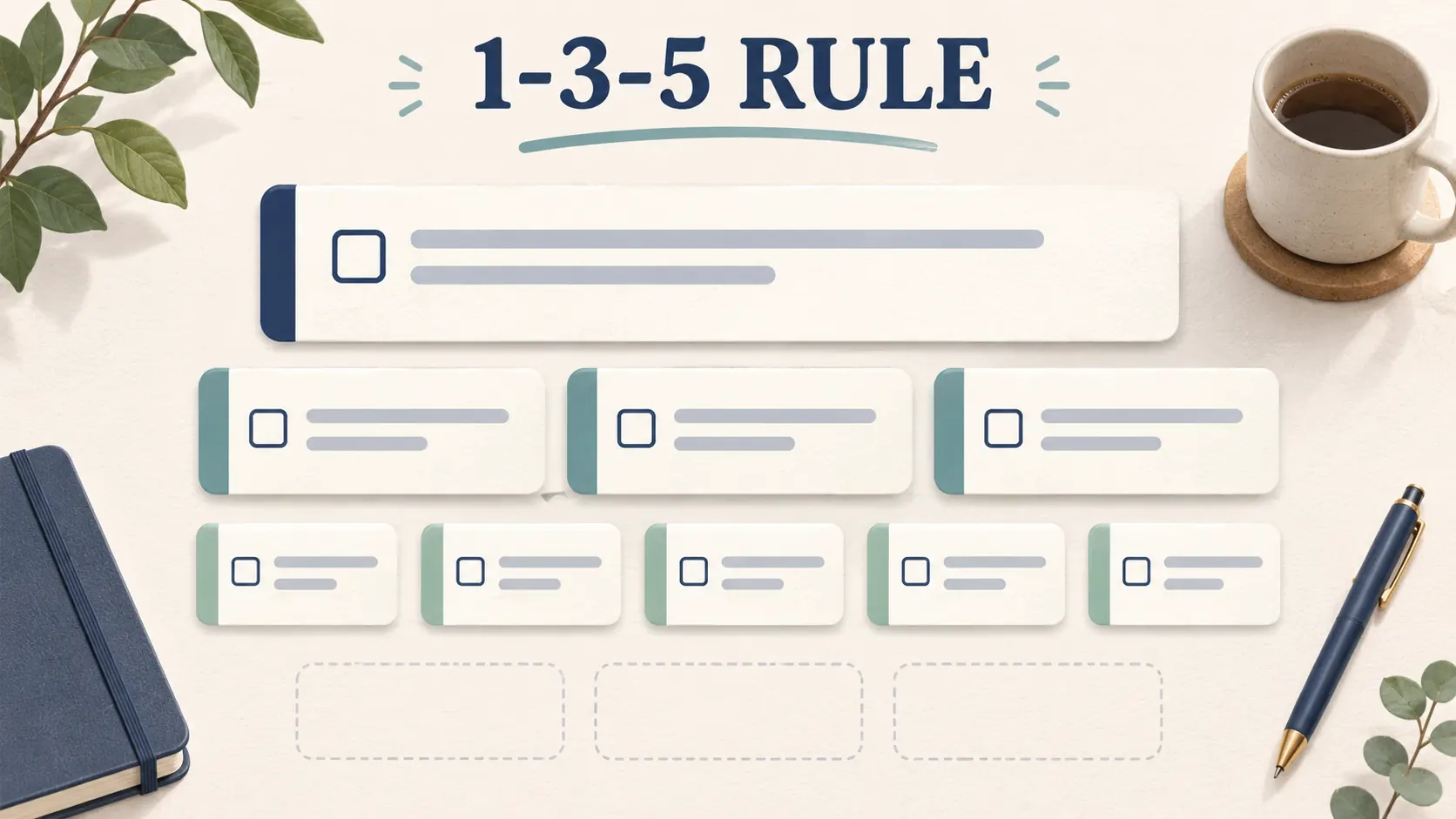
Plan the Day and Week
The 1-3-5 rule sorts a daily list into one big task, three medium tasks and five small ones. Learn to size each slot, leave gaps open and keep work visible.
· 8 min read

Focus and Batching
Task batching groups similar tasks into one work block. Use a sample list, status column and simple rules to batch work without hiding deadlines.
· 7 min read
Task Apps
Is TickTick free? See what the free plan includes, where its limits sit, what Premium costs, and how a yearly subscription compares with a $9 one-time file.
· 7 min read
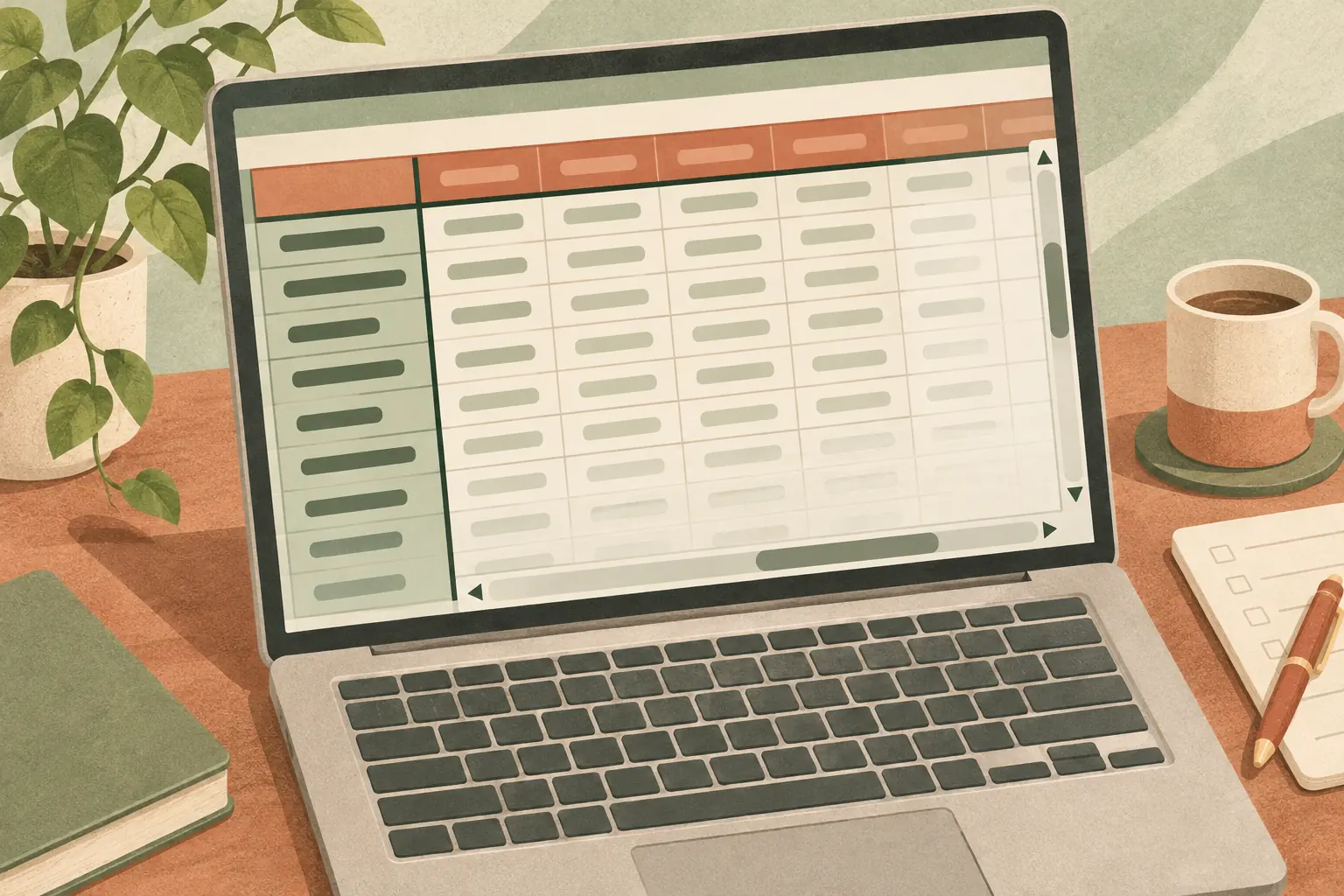
Spreadsheet Craft
Freeze panes in Excel to keep task headers visible as you scroll. Learn the right cell to select, freeze rows and columns together, and undo it.
· 8 min read
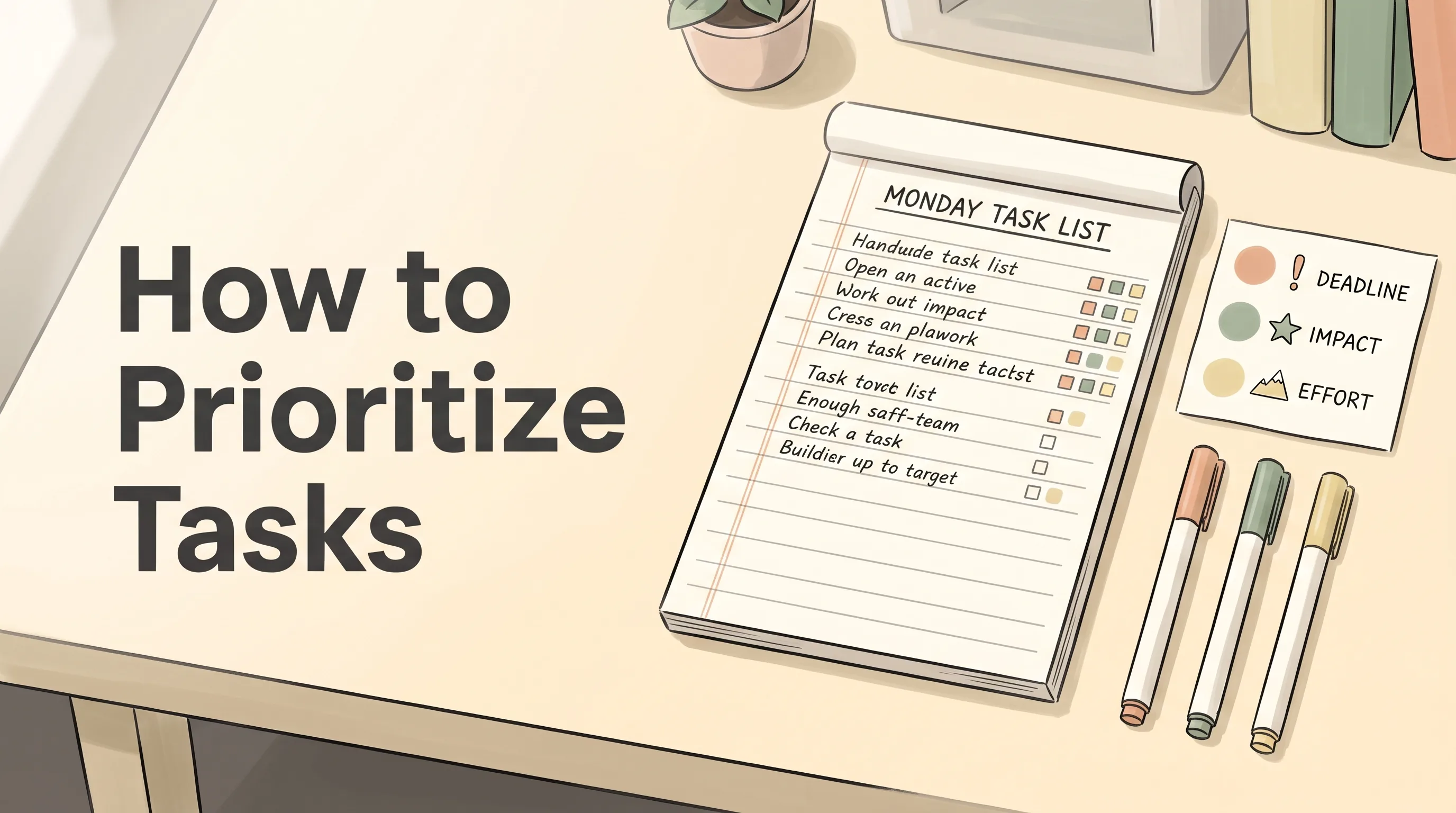
Prioritizing
How to prioritize tasks: rank due dates, weigh the cost of waiting, then estimate effort. Work through a Monday list to choose an order and see what can wait.
· 8 min read
Start and Overwhelm
Overwhelmed at work? Use a 20-minute task list reset to capture open work, defer or clarify the rest, and choose three next actions without guessing.
· 7 min read
Prioritizing
Finish what you start by defining the result, proof and next action for one open task. Use a clear status to finish it, wait or park it.
· 8 min read

Prioritizing
Task paralysis can make a clear task feel hard to enter. Use this five-minute reset to name one next action, remove a choice, and leave a restart note.
· 7 min read

Deadlines and Time Estimates
how to meet deadlines: triage competing due dates, test your weekly capacity, split the next actions, and reset early when the plan no longer fits.
· 9 min read
Focus and Batching
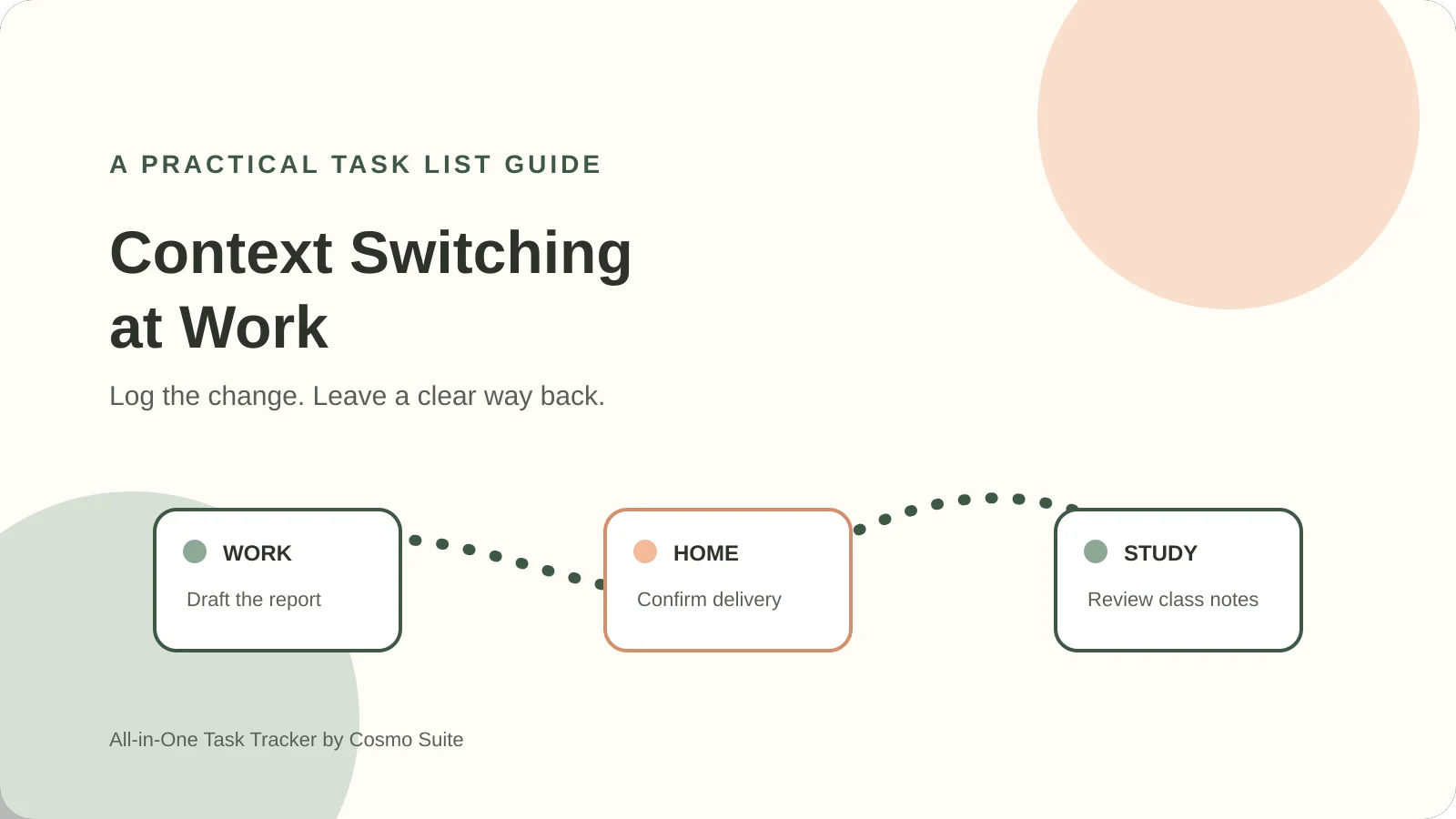
context switching at work: log each interruption, spot what pulls you away, and leave a clear restart note so you can return to the task with less friction.
· 9 min read
Kanban & Gantt
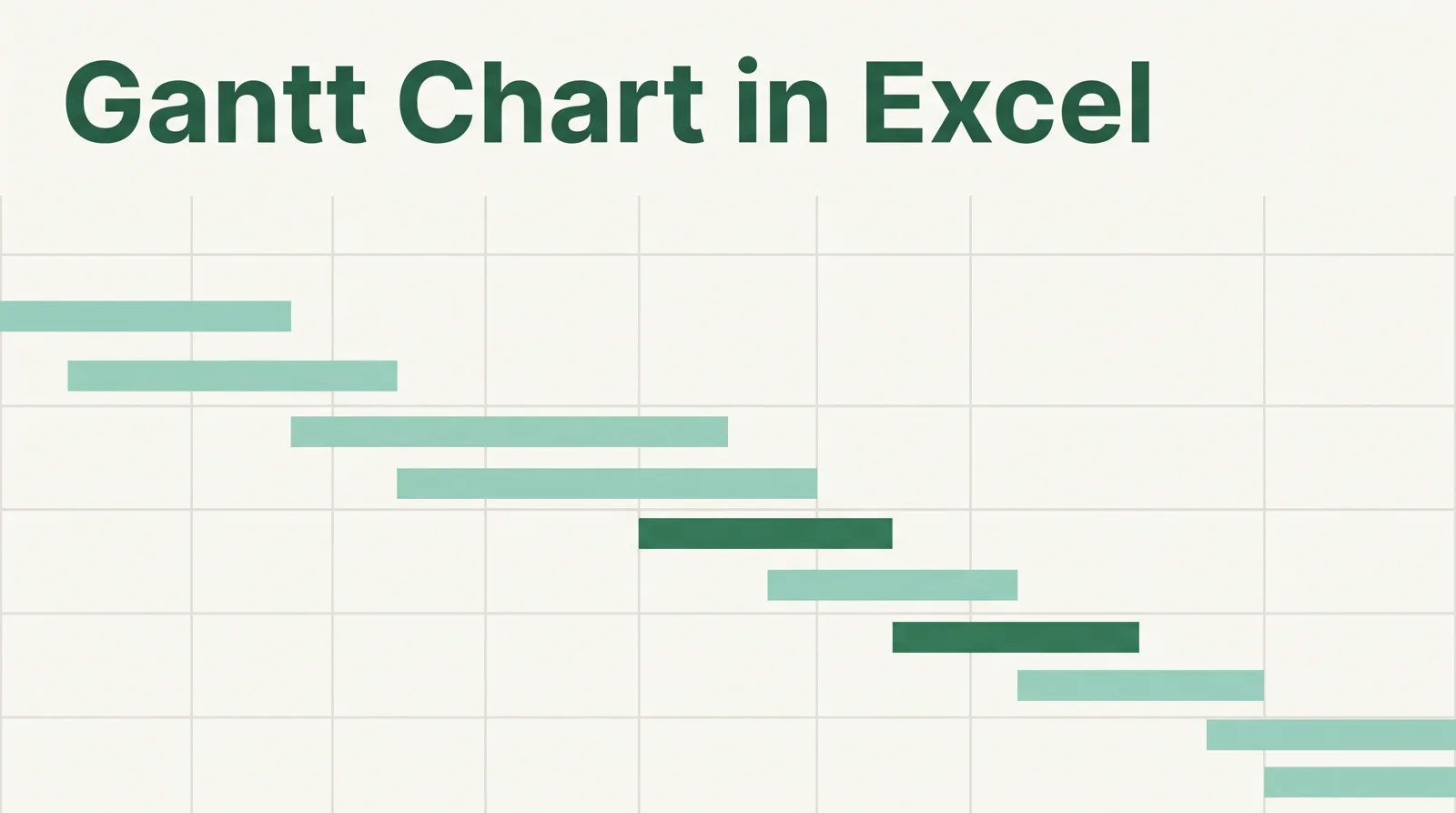
Gantt chart Excel in 7 steps: build the stacked-bar chart with no add-in, test it on an 8-task project, and fix the dependency mistake that breaks most files.
· 10 min read
Prioritizing
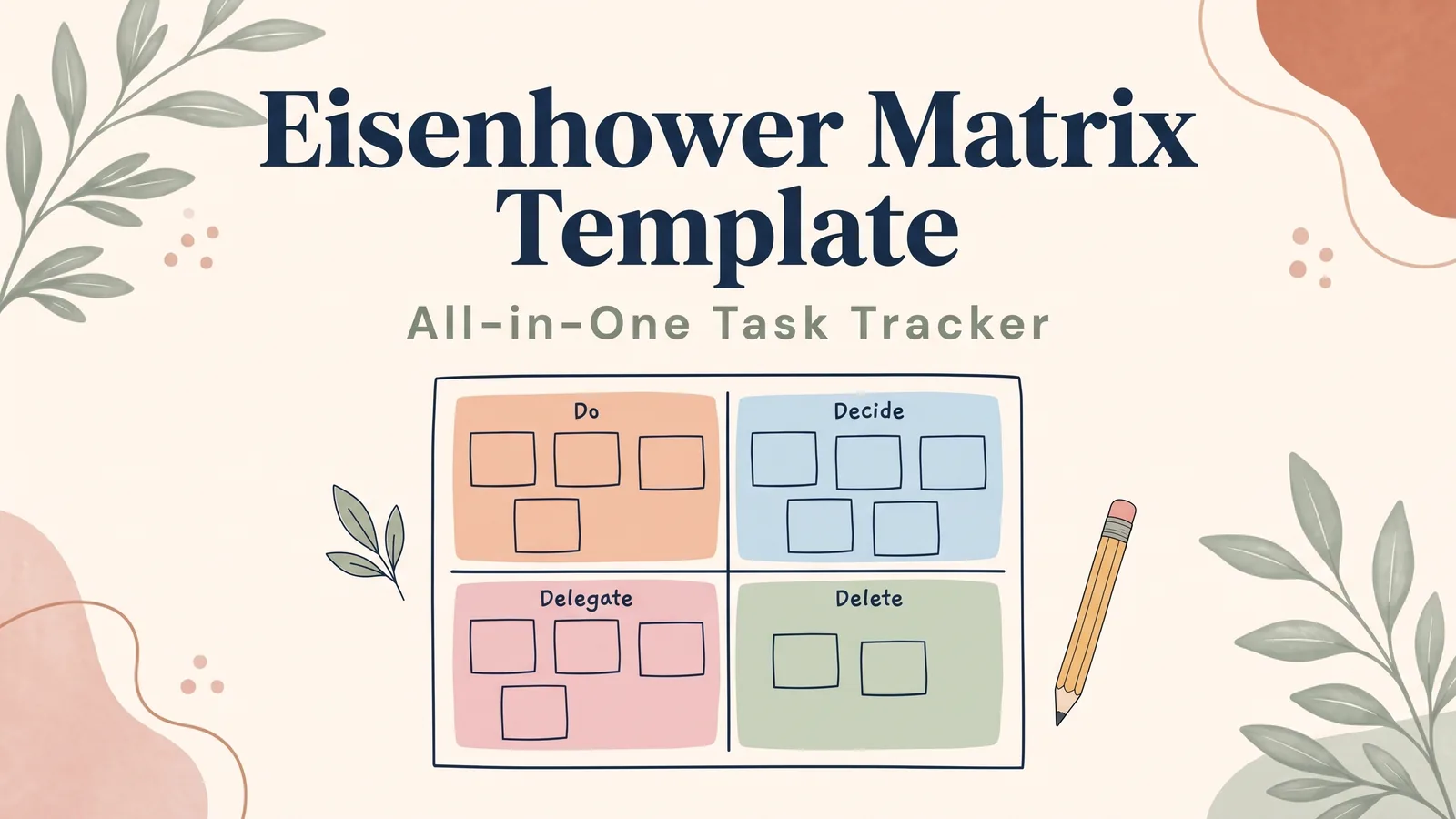
Eisenhower matrix template with the 4 boxes filled in: 15 Monday tasks sorted with the reason for each, plus the Excel and Google Sheets formula that does it.
· 11 min read
Lists & Templates
Assignment tracker setup for a full semester: 4 courses and 22 assignments worked through, the hours each one needs, and which tracker fits your course load.
· 8 min read
Lists & Templates
Task list template you can copy free: a 7-column layout for Excel or Google Sheets, filled in with 12 tasks, plus the 5 columns that turn a list into a plan.
· 7 min read
Task Tracking
Task tracker excel setup in one file: the 5 columns every list needs, recurring tasks you enter once, and a matrix, Kanban and Gantt built from the same rows.
· 7 min read
All-in-One Task Tracker
Plan, track, and prioritize your tasks from one spreadsheet.
Get instant access