How to Prioritize Tasks When Everything Feels Urgent
How to prioritize tasks: rank due dates, weigh the cost of waiting, then estimate effort. Work through a Monday list to choose an order and see what can wait.
By All-in-One Task Tracker by Cosmo Suite · Editorial policy
Published · 8 min read
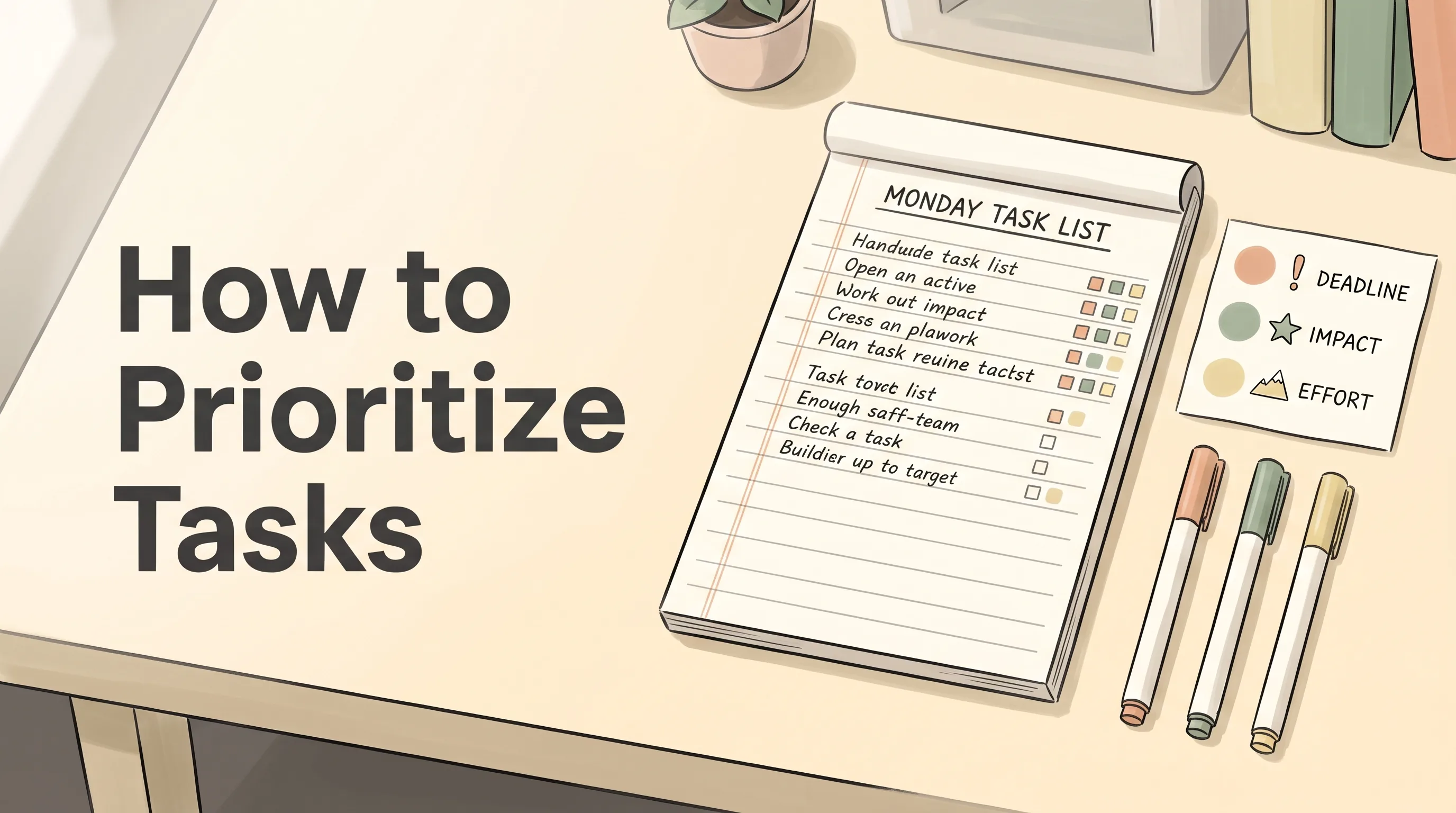
When your work, study and home lists sit in three places, every new request can feel like the next thing to do. The list grows, the deadlines blur, and small tasks are tempting because they are easy to finish.
To prioritize tasks, write down the real due date, ask what changes if each task waits, then estimate effort so you can fit the work into your day. This gives a real deadline priority over a request that only sounds loud. It also shows when the list exceeds your available time, so you can raise a trade-off early.
You can do this in a notebook, a spreadsheet or a task app. A task tracker that keeps deadlines and status with each task can help when the same list needs a daily view and a longer schedule. The All-in-One Task Tracker (by Cosmo Suite: one Excel and Google Sheets file, 11 tabs, $9 once) is one option. The Monday list below is for illustration. Replace its tasks and dates with your own.
How to Prioritize Tasks at a Glance
Task prioritization means choosing what to do first by checking deadlines, consequences and available time. A useful order comes from three questions: when is each task really due, what is the cost of waiting, and how much time will the next action take? Answer them in that order. Deadlines set constraints, impact breaks ties, and effort turns the ranking into a day you can plan.
| Pass | Ask | Record | Use it to |
|---|---|---|---|
| 1. Deadline | When must this be done? | Fixed date, or no fixed date | Surface tasks with a real time limit |
| 2. Impact | What changes if it waits? | Outcome, dependency or person affected | Rank tasks with similar dates |
| 3. Effort | How long is the next action? | Rough time estimate | Fit work around the available hours |
Use the three passes to sort the list and spot work that will not fit. A task due Friday can matter more than one due tomorrow when tomorrow's item has no meaningful consequence. Keep each due date visible, along with any conflict.
If you already sort tasks by urgency and importance, keep that view. The three-pass check gives a mixed list a practical order before you choose a tool. The Eisenhower matrix example with four task boxes shows how to categorize urgency and importance in more detail.
A Monday List, Worked Through
This Monday list is an illustration, not a real person's calendar. It combines work, study and home tasks to show how the three passes change the order. Use the same columns for your own tasks and estimates.
| Task | Due | If it waits | Effort |
|---|---|---|---|
| Submit lab report | Monday, 4 p.m. | Misses the stated deadline | 90 minutes |
| Send a work decision | Monday | Someone else cannot proceed | 10 minutes |
| Finish course notes | Tuesday | Less time remains to review them | 60 minutes |
| Send school form | Thursday | Another person may need to follow up | 20 minutes |
| Call about a leaking sink | No fixed date | Leak may continue | 15 minutes |
| Book a dentist appointment | No fixed date | Appointment stays unscheduled | 10 minutes |
| Return library book | Friday | May need another trip later | 15 minutes |
| Reorganize downloads folder | No fixed date | Files remain where they are | 30 minutes |
The first pass puts the lab report and work decision on Monday, course notes on Tuesday, and the form and library book later in the week. The sink call has no date, though the leak gives it more impact than sorting files. Book the dentist appointment later.
Methodology: We made up the task names, dates, outcomes and effort estimates for this example. They do not come from customer records or a user study.
For Monday, send the short work decision, start the lab report, call about the sink, then finish the report before 4 p.m. If the report will take longer than your free time, ask about the deadline before your schedule fills. The list gives you a clear reason for that conversation.

Step 1: Write the Real Deadlines Beside Each Task
Separate fixed dates from dates you added because a task feels old. A school submission, appointment or bill may have an external deadline. “Do this soon” needs a day before you can schedule it. The deadline pass starts here: mark real dates first, then leave other tasks undated until you choose a slot.
Write a date and time when one exists. Leave the due-date field blank or mark it “unscheduled” when there is no fixed date. Filling every blank with today makes real deadlines harder to spot. For example, the lab report is due Monday at 4 p.m., so record that deadline before estimating effort.
Make each task startable. “Course” is a subject; “finish notes for Tuesday’s lab” is an action. “Sink” is vague; “call the plumber to book a repair visit” tells you what to do. For longer work, record the next action and keep the larger outcome in a notes field.
A task row can hold the task, due date, status and next action. When a deadline moves, change it on that row instead of leaving an old copy in a separate calendar. Copy the task list template with due date and status columns if you need a starting layout.
Step 2: Name the Cost of Waiting
For each task, finish the sentence: “If this waits until tomorrow or next week, then…” Maybe a deadline will pass, someone will be blocked, more rework will follow, or nothing will change. The answer separates a consequence from the feeling that the task is old or visible.
Ask what outcome the task serves. The Management Center recommends naming high-impact work before checking which deadline makes another item urgent. Its step-by-step prioritization guide explains when to schedule, delegate or drop work. A University of North Carolina priorities worksheet uses the labels Must Do, Should Do and Could Do. This article adds effort to the impact check so you can plan the day.
Write down a specific reason. “It is important” cannot tell you why one task comes first. “The lab report is due at 4 p.m.” and “the team is waiting for my decision” name the consequences. For tasks with the same due date, compare those outcomes before their size.
You can mark impact high, medium or low to scan the list, but add a reason beside the label. The reason helps you revise the order when a date or dependency changes. The Management Center also separates work that serves a goal from work that is only time-sensitive.

Step 3: Use Effort to Build a Workable Order
Effort tells you where a task fits in the day. Estimate the next action, then compare the total with the hours you have. Include breaks and existing commitments, and leave room for interruptions. Check effort after deadline and impact because size helps with scheduling, not with deciding what matters.
Do a short task first when it unblocks someone or meets a deadline. Keep easy items from using the time a longer, high-impact task needs. Put the longer task in a protected block, then fit calls or replies around it.
For work that needs more than one sitting, estimate the next step. “Write introduction” may fit when “finish report” does not. After that block, decide whether to keep going. For example, schedule a 25-minute outline before a longer writing block.
If the list has 7 hours of tasks and you have 4 hours free, it exceeds your time by 3 hours. Move flexible work to a date, ask which deadline can change, or reduce the scope with the person who owns the outcome. Record that choice beside the task.
Before you start, check three things:
- Reserve time for the task with the clearest deadline and cost of delay.
- Place short actions around the main focus block.
- Move the rest to a date or ask for a trade-off.
When Everything Still Feels Urgent
If every row looks urgent, check whether the dates came from someone else or from a wish to clear the list. Then ask what changes if each task waits. Use the deadline and its consequence to choose what must happen first, even when the inbox feels pressing.
Two high-impact tasks can share a hard deadline. Mark the conflict and contact the person who can choose what moves. Offer clear options: finish one and move the other, reduce both scopes, or get help. Promise only work that fits.
Priorities can change during the day. Atlassian’s guide to prioritizing tasks recommends reviewing work when circumstances shift. Add a new task’s real deadline and impact to the same list, then compare it with the work already there.

Keep the Priority Order Current
Review the list when a due date, dependency or cost of waiting changes. At the start of the day, choose the first action and check that it fits. Later, give unfinished work a date instead of carrying an undated “urgent” item. Atlassian’s task-prioritization guidance also advises a review when circumstances change.
Keep one source list for the tasks you rank. If a task sits in a notebook, app and spreadsheet, one copy can become outdated. A single list can still have views for due today, waiting, or work grouped by project. The task stays in one row while the view changes. A task tracker with a priority view and schedule can help if its columns fit your method.
A spreadsheet suits you when you want to own the file and sort a personal list, while an app may work better for shared team assignments, reminders or calendar sync. Choose for the job and keep the method simple enough to repeat.
Where the All-in-One Task Tracker Fits
A blank spreadsheet works if you only need a task, due date and next action. If you want calendar, priority and timeline views of the same tasks, the All-in-One Task Tracker may fit. It is one Excel and Google Sheets file with 11 tabs across four sections, and costs $9 once.
Task Tracking includes Variable Tasks, Recurring Tasks, Task Schedule and Task Filter with 15+ options. Task Prioritization includes a Decision Matrix with Do, Decide, Delegate and Delete, plus Kanban Board and Gantt Chart tabs. The file supports up to 10,000 tasks and comes with a setup PDF and YouTube tutorial. You still choose the deadlines and trade-offs. For a shared team list, Atlassian’s task-prioritization guide covers how to review changing priorities.
If linked views would help you keep one list current, see the Excel and Google Sheets task tracker. To make your own, start with the three columns here and the next real due date.
The Cosmo Suite team behind the All-in-One Task Tracker wrote this guide. Read about the site, review its editorial policy, or contact the team with a question or correction.
Frequently asked questions
How do you prioritize tasks with the same deadline?
Compare what happens if each task waits, then check for dependencies. Start with the one that prevents a larger consequence or unblocks someone. If both matter and there is no room for both, ask who can choose the trade-off.
What should you do when everything feels urgent?
Write down each real due date and what waiting would cost. Several tasks can arrive at once, while only a few have a fixed deadline. Rank those first, then schedule or renegotiate the others.
Should effort or importance come first?
Check the cost of delay before using effort to plan the day. A short task can still be low priority. Once you know the outcome and due date, use effort to fit the work into the time you have.
How many tasks should you prioritize in one day?
The right number depends on the day. Estimate the tasks with real deadlines, leave room for new work, and protect your first focus block. Give anything that will not fit a date or ask when it is due.
How often should you review task priorities?
Review priorities when a due date, dependency or consequence changes, then check them at the start of the workday. A weekly review can give longer tasks a start date before they become urgent.
What is the fastest way to start prioritizing a task list?
Add three details beside each task: its real deadline, the cost of waiting, and a rough effort estimate. Sort by deadline, compare impact, then use effort to choose today’s order.
Sources
Keep reading
Prioritizing
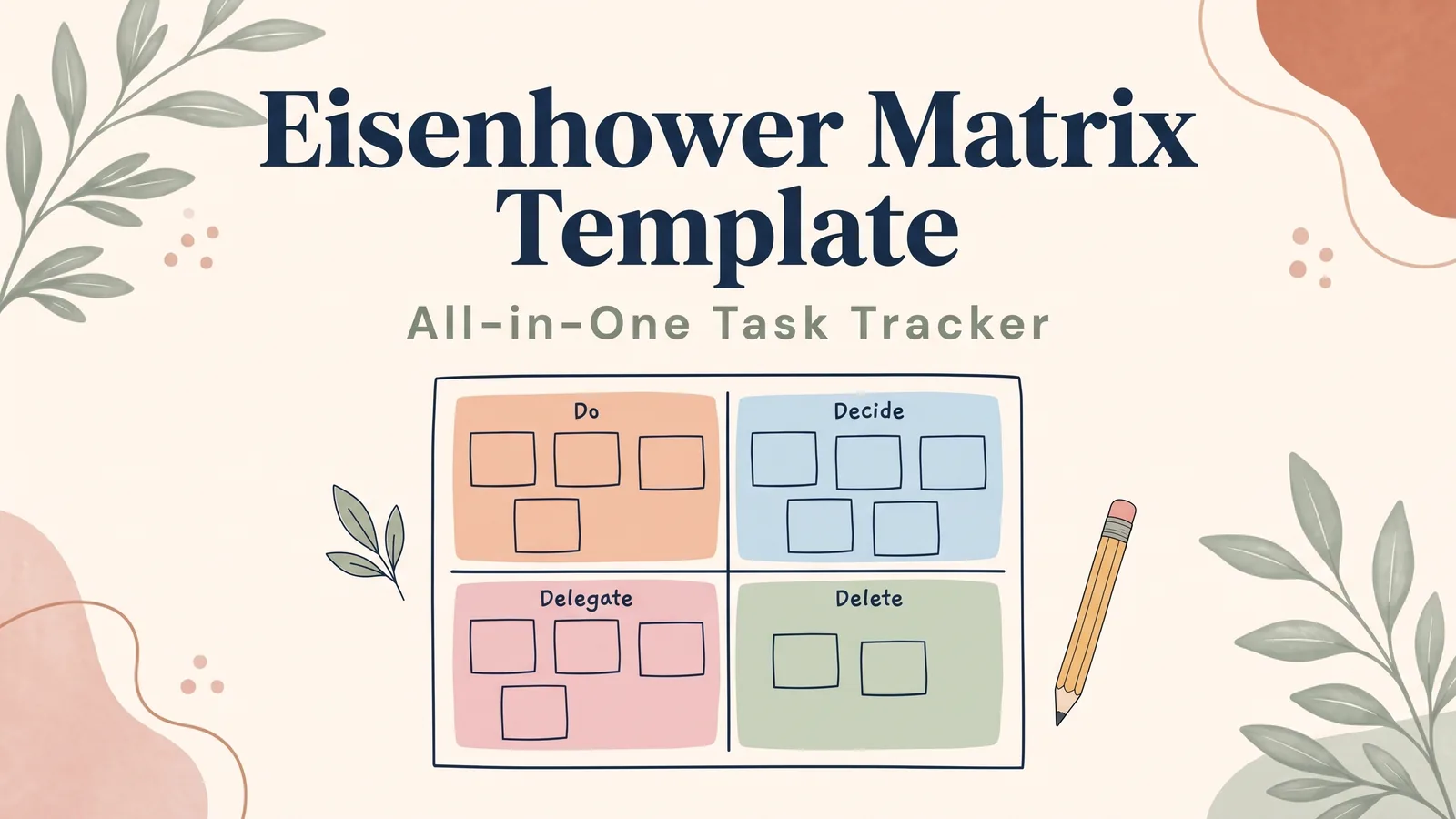
Eisenhower Matrix Template: The 4 Boxes, Filled In for a Real Monday
Eisenhower matrix template with the 4 boxes filled in: 15 Monday tasks sorted with the reason for each, plus the Excel and Google Sheets formula that does it.
· 11 min read
Prioritizing
Finish What You Start: Set a Clear Finish Rule
Finish what you start by defining the result, proof and next action for one open task. Use a clear status to finish it, wait or park it.
· 8 min read

Prioritizing
Task Paralysis: A Five-Minute Way to Start
Task paralysis can make a clear task feel hard to enter. Use this five-minute reset to name one next action, remove a choice, and leave a restart note.
· 7 min read
